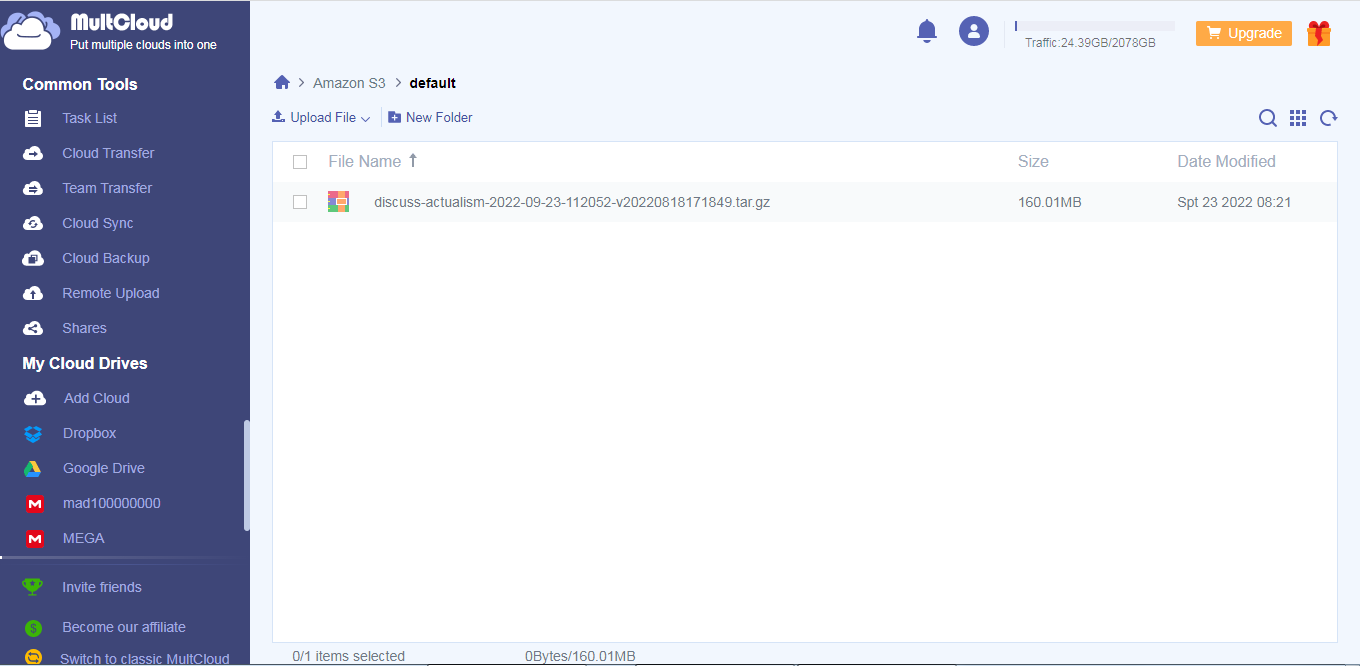
I couldn’t rename to actualism, I created a new bucket based on the settings of the other and was able to set the new name. Also, I updated the custom policy to have the name of the actualism bucket. I have tested a manual backup and that has worked.
I have deleted the previous bucket.
I have temporarily added that user account to the superuser admin group until I figure out the granular permissions issue. It will work for you all on MultCloud for now.
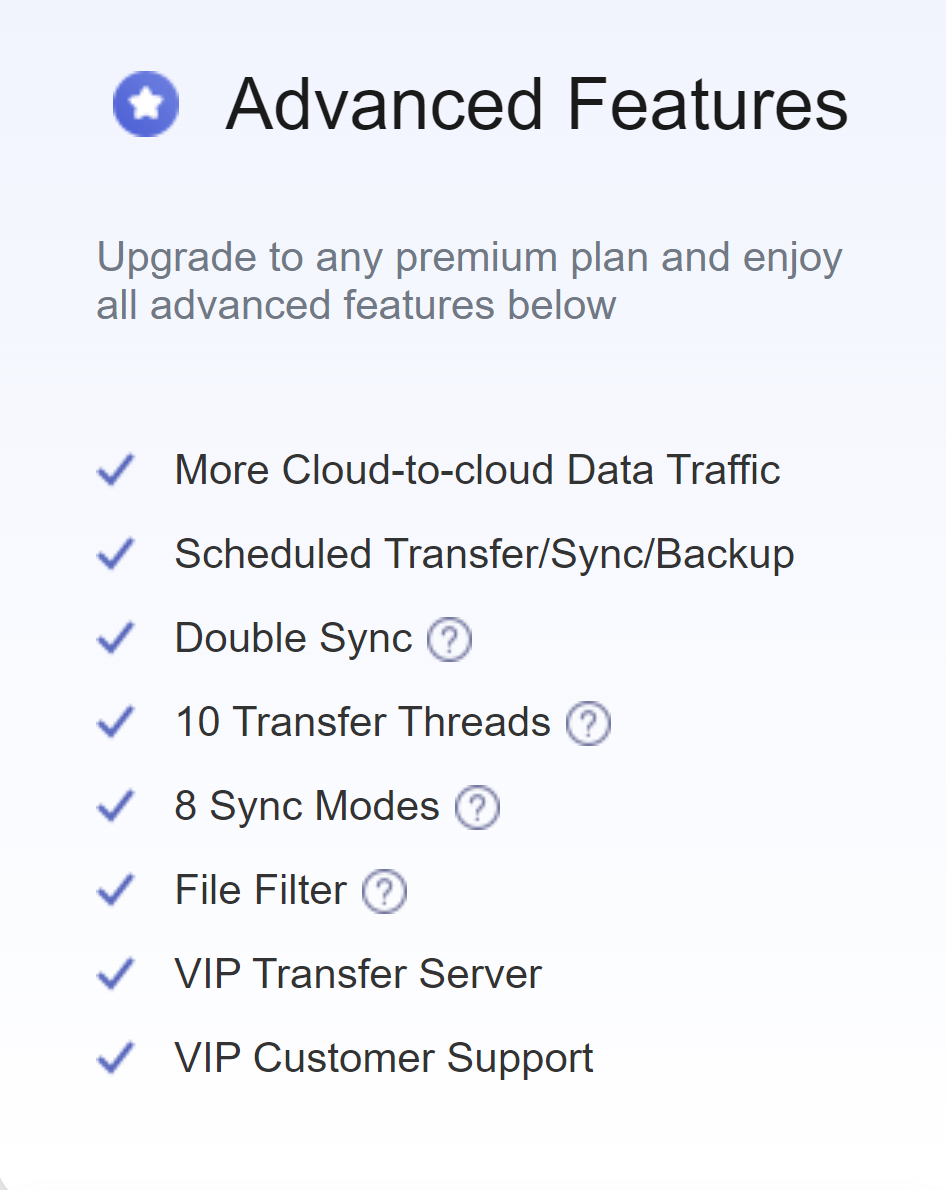
Regarding the MultCloud Cloud Sync, I tried changing the destination to SharePoint and my Google Drive but it still prompts me for upgrade to implement a schedule.
Ok, so I figured out the policy change by testing in my environment.
It turns out different services approach the permissions differently, for example for discourse explicit permission on the S3 bucket and its object suffices. Why the first version of the custom policy has worked for backups.
Some cloud providers, like MultCloud, need to have additional permission because it gets the buckets location and lists them first before accessing the bucket.
So, I added these permissions:
“s3:GetBucketLocation”,
“s3:ListAllMyBuckets”
It has worked on my test AWS account. I have implemented on AIAFF.
Please can you test again on your own MultCloud. Please can you also test the schedule capability on your MultCloud too, or let me know what “To” destination type you are using, thanks.
Good! Thanks also for changing the name (of course, in the future we can redo all this, the instructions, etc., with more standardized names and other types of policies if necessary).
Later I’ll try to set up the syncs and let you know about the schedule problem (maybe MultCloud has now moved this feature to Premium…).
What a pity… This would force to make periodical backups manually, which of course cannot be sustained over time…
We will have to look for another way/service.